Simple Ansible Playbook to Create RDS Instance
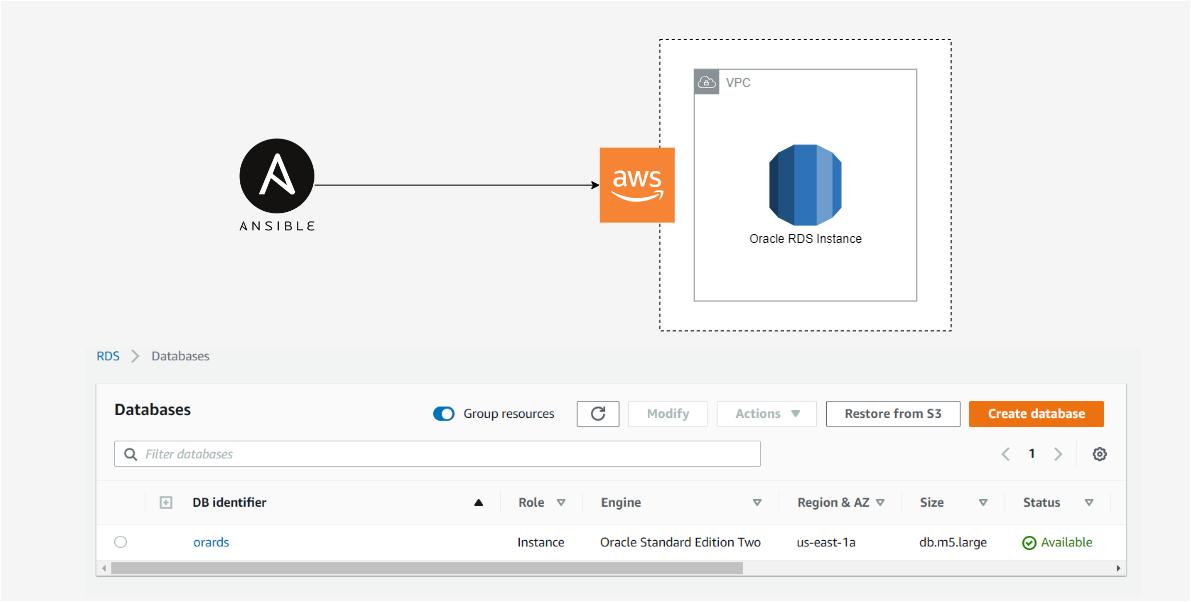
Provision an Oracle database on Amazon RDS with one Ansible playbook.
Ansible 2.9, AWS CLI, RHEL 8, Amazon RDS for Oracle SE2
AWS access keys, the AWS CLI, and the boto Python library
A new RDS instance, visible in the AWS console within minutes
Create an Oracle RDS database in AWS within minutes by automating the entire provisioning process using Ansible. For this demo I’m running Ansible (2.9.2) and the latest version of AWS CLI on RHEL8.
Pre-reqs
Install the latest version of the AWS CLI
curl "https://s3.amazonaws.com/aws-cli/awscli-bundle.zip" -o "awscli-bundle.zip"
unzip awscli-bundle.zip
sudo ./awscli-bundle/install -i /usr/local/aws -b /usr/local/bin/aws- Configure credentials by adding keys to the credentials file
~/.aws/credentials
[default]
 aws_access_key_id=<put access key here>
aws_secret_access_key=<put secret access key here>pip3 install botoCreate Ansible Playbook
Create an empty file called create-rds-oracle.yml, then copy the content below into the playbook. Modify the playbook to fit your specs.
- name: create-oracle-rds
  hosts: localhost
  connection: local
  gather_facts : false
  tasks:
    - name: provision oracle rds intance
      rds:
        command: create
        region: us-east-1
        instance_name: orards
        db_engine: oracle-se2
        size: "10"
        instance_type: db.m5.large
        license_model: bring-your-own-license
        username: master
        password: "your-password"
        tags:
          environment: test
Run Ansible Playbook
Create the Oracle RDS instance by running the playbook. Use the command below.
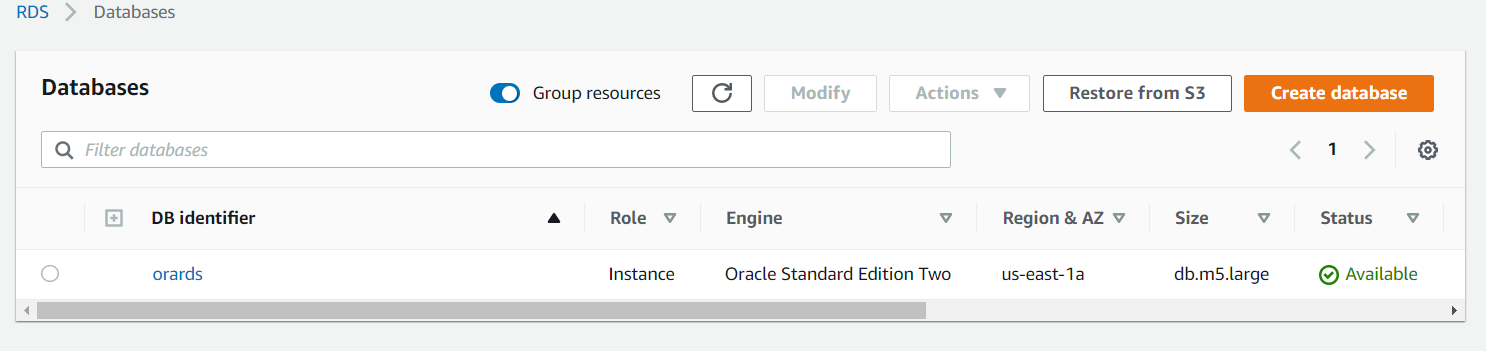
ansible-playbook create-rds-oracle.ymlA new RDS instance should be created. It should look something like this in AWS Console.