
Disable THP on RHEL7
Disable Transparent Huge Pages on Red Hat Enterprise Linux 7
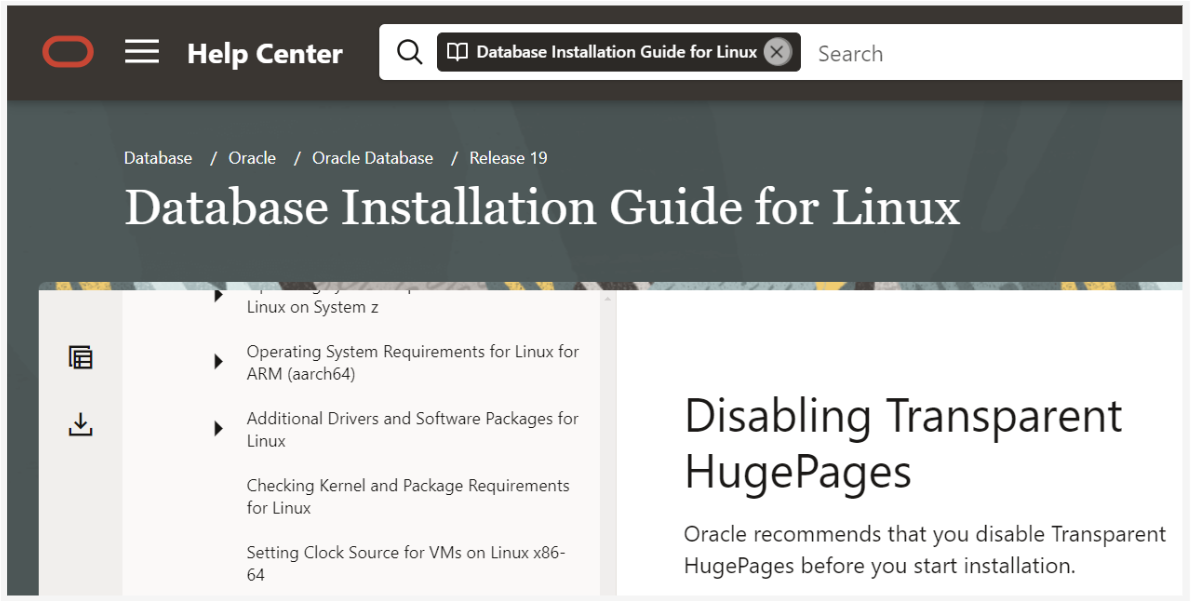
Disable Transparent HugePages persistently, as Oracle recommends for database servers.
Red Hat Enterprise Linux 7 hosts running Oracle Database
Root access and a server reboot
/sys/kernel/mm/transparent_hugepage/enabled reports [never]
Transparent HugePages (THP) memory is different from standard HugePages memory because the kernel thread allocates memory dynamically during runtime. Standard HugePages memory is pre-allocated at startup, and does not change during runtime. This dynamic memory allocation of THP can cause memory allocation delays during runtime. To avoid performance issues, Oracle recommends that you disable THP on all Oracle Database servers. Oracle recommends that you instead use standard HugePages for enhanced performance.
1. Check Current THP Status
If Transparent Huge Pages is set to [always], it means that it's enabled. Run the following command to confirm:
cat /sys/kernel/mm/transparent_hugepage/enabled2. Disable THP
Disable transparent huge pages persistently across reboots by appending the GRUB_CMDLINE_LINUX (kernel boot command line) within the /etc/default/grub with “transparent_hugepage=never”. Refer to the example below:
GRUB_TIMEOUT=5
GRUB_DISTRIBUTOR="$(sed 's, release .*$,,g' /etc/system-release)"
GRUB_DEFAULT=saved
GRUB_DISABLE_SUBMENU=true
GRUB_TERMINAL_OUTPUT="console"
GRUB_CMDLINE_LINUX="rd.lvm.lv=myvg/swap rd.lvm.lv=myvg/usr vconsole.font=latarcyrheb-sun16 rd.lvm.lv=myvg/root crashkernel=auto vconsole.keymap=us rhgb quiet transparent_hugepage=never"
GRUB_DISABLE_RECOVERY="true"
3. Source Grub Changes
For the grub changes to take effect, run the following command:
grub2-mkconfig -o /boot/grub2/grub.cfg4. Reboot Host And Confirm
Reboot the server. After reboot, verify that THP is now disabled ([never]) via the following command:
cat /sys/kernel/mm/transparent_hugepage/enabled